
Google Nest Thermostat
Our rentals use a Google Nest Thermostat to keep your home at your desired comfortable temperature levels.
To conserve energy, which allows us to keep our rental prices lower, we have pre-selected a range of temperatures that keeps our renters comfortable, and have set the Google Nest Thermostat to keep within these ranges (70F-85F). (See Note below)
To adjust your thermostat, remember you can always say "Alexa, change the temperature to XX degrees". Or, you can manually rotate the ring clockwise or counterclockwise to control your thermostat. Rotate the ring clockwise (right/down) to raise the temperature, and rotate counterclockwise (up or left) to decrease the temperature. The display will show you how many minutes until your desired temperature is reached.
The Google Nest Thermostats have internal sensors that will automatically adjust the temperature to save electricity when you have left your unit for the day. When you return home, please feel free to readjust the thermostat to your desired temperature. People also find the use of our overhead fans beneficial to quickly provide additional cooling while in our Arizona desert.
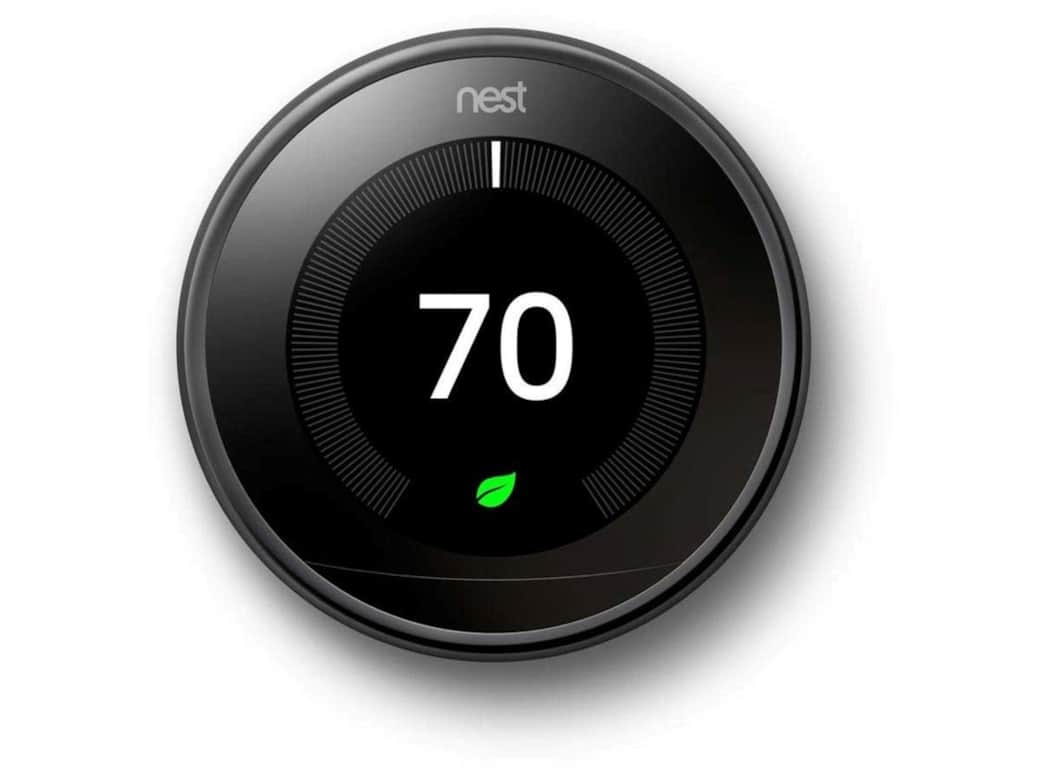
How to use the Google Nest (Gen3) Thermostat
Please see the Youtube video for a great presentation on how to program your Google Next Thermostat for your maximum comfort.